How to Use an OBD-II Scan Tool as Evidence
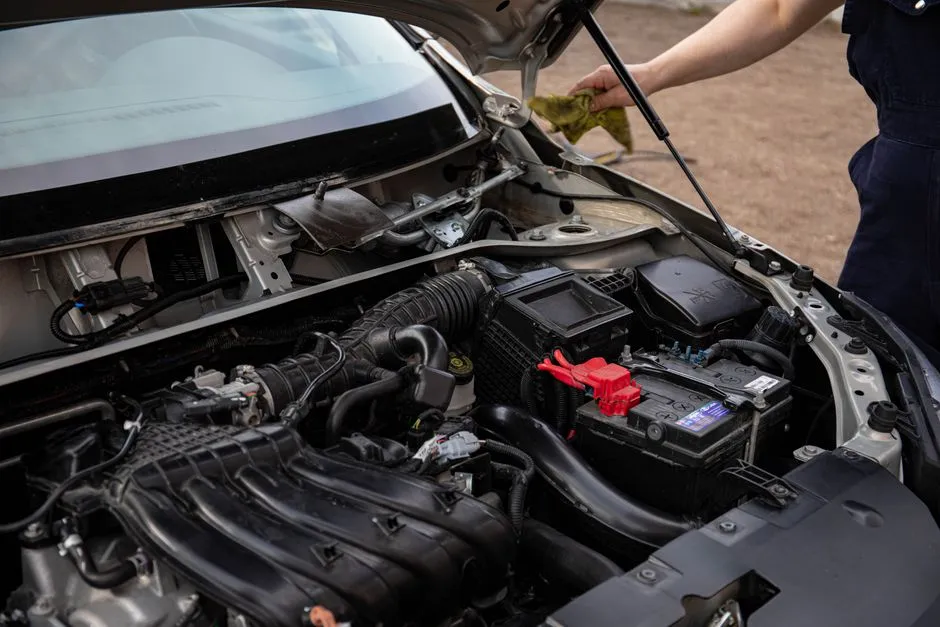
An OBD-II scan tool captures evidence, not a verdict
An onboard diagnostic code reports a condition detected by a control system. It does not automatically identify one failed part. A scan tool can read codes, status, live data, and freeze-frame information where supported, but diagnosis still needs service information, circuit tests, mechanical checks, and context. The code description is a chapter heading, not the surprise ending.
Choose a compatible tool
Confirm the tool supports the vehicle, protocols, systems, and functions you need. A basic emissions-code reader may not access airbag, anti-lock brake, body, transmission, hybrid, or manufacturer-specific modules. Bidirectional tests and programming create additional risks and training requirements.
Do not buy a tool merely because its app displays more gauges than a submarine film.
Locate the connector safely
Use the owner's manual or official service information. Park, secure the vehicle, and connect with ignition state exactly as the tool and vehicle direct. Inspect the connector for damage; never force the plug or probe pins.
Keep cables away from pedals, steering, gear selection, and moving parts. Do not operate or read a handheld device while driving. Use a second trained person or controlled logging method if road data is truly required.
Capture before clearing
Record every code with module, status, date, odometer, warning lights, symptoms, and environmental conditions. Save freeze-frame data, readiness monitor status, and relevant live data before erasing anything. Photograph screens only while parked.
Clearing codes can remove diagnostic evidence and reset emissions readiness without repairing the cause. It may complicate inspection and resale. Do not clear codes to hide a warning.
Read code families carefully
Codes can be generic or manufacturer-specific, current or pending, permanent or history, depending on system. Look up the exact definition in current official service information. Similar descriptions may use different diagnostic trees.
Start with power, ground, network, and related-code context where the procedure directs. One root fault can trigger several modules; replacing a part for each code is expensive group therapy.
Use live data comparatively
Live values gain meaning from operating conditions, units, expected range, related sensors, and a known-good reference. A plausible number can still be wrong, and a surprising number can reflect the way the parameter is defined.
Do not command actuators, run service modes, bleed brakes, calibrate steering, or program modules without exact procedures, support voltage, tools, and training. Incorrect bidirectional commands can move components or affect safety systems.
Pair codes with symptoms
Use the noise-description guide to document when the problem occurs. Share the complete record when seeking a second opinion, not just a cropped code screenshot.
Know the stop line
Airbag, brake, steering, high-voltage, fuel, overheating, smoke, fire, or control-related warnings belong under the no-DIY guide and qualified service. Disconnecting a battery to make a light disappear is not diagnosis.
The scan tool's greatest value is preservation: what the vehicle saw, when it saw it, and under which conditions. Use that evidence to test a cause. Correct replacement parts should arrive after proof, not because an alphanumeric code looked lonely.